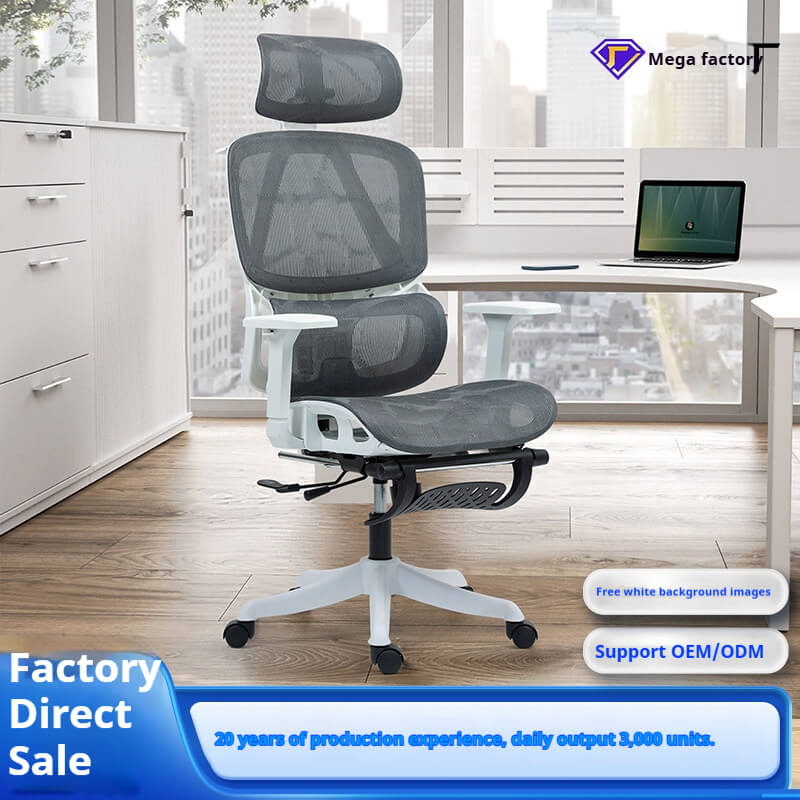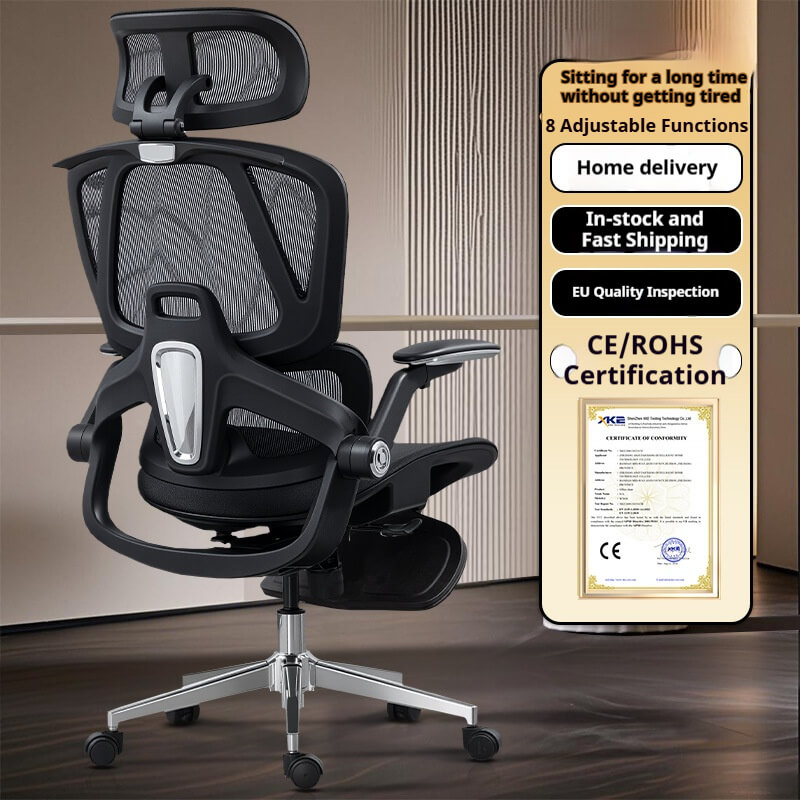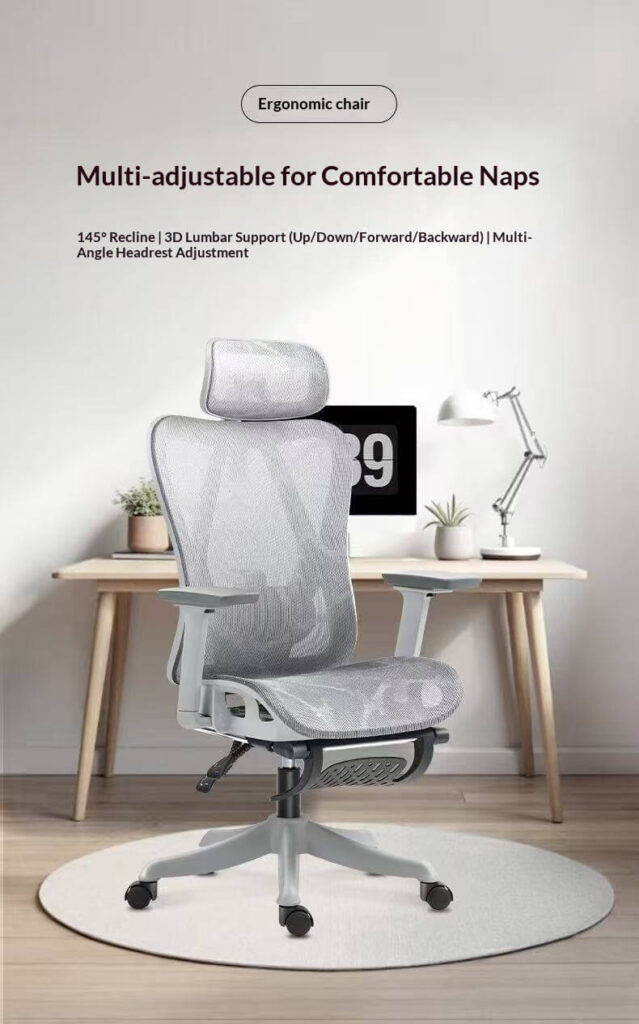
Millions of office workers silently endure daily discomfort—lower back pain, stiff necks, and aching wrists—often dismissed as an inevitable part of desk-based work. Yet, scientific evidence and workplace health data reveal a different story: these “common” issues are frequently symptoms of a mismatch between the human body and its working environment. This article moves beyond marketing buzzwords to explore how a deep understanding of human anatomy, a critical view of conventional solutions, and innovative ergonomic principles can genuinely address the root causes of physical pain. By focusing on the body itself, we can transform the workplace from a source of discomfort into a foundation for well-being and productivity.
The Anatomy of Desk-Bound Pain: Why Your Body Hurts
Understanding the root causes of pain is the first step toward a genuine solution. The human body is designed for movement, not for prolonged static postures. When forced into immobility, it rebels.
The Science of Sedentary Strain
Sitting for extended periods, especially in a slouched position, places immense stress on the spine. The discs between the vertebrae are compressed, and the muscles in the back and neck must work overtime to stabilize the skeleton. This leads to muscle fatigue, stiffness, and pain. Furthermore, poor posture can compress nerves, leading to radiating pain in the arms and legs, and restrict blood flow, causing numbness and tingling. The high incidence of lumbar issues among young people, with a detection rate of 13.93% for lumbar disc problems in the 25-39 age group, underscores the severity of this modern epidemic.
Common Pain Points and Their Real Causes
- Lower Back Pain: Often stems from a flattened lumbar curve when slouching, which overstretches the spinal ligaments and strains the discs. This is a direct result of chairs with inadequate or non-adjustable lumbar support.
- Neck and Shoulder Pain: Typically caused by the head jutting forward to look at a monitor that is too low or too far away. This puts tremendous strain on the cervical spine and trapezius muscles. A headrest that cannot be adjusted to support the back of the skull exacerbates this issue.
- Wrist Pain (Carpal Tunnel Syndrome): While often related to repetitive motion, it is worsened by improper arm support. If armrests are not adjustable or the desk height is wrong, the wrists are forced into awkward angles, increasing pressure on the median nerve.
A Critical Examination: Why Generic Solutions and “Quick Fixes” Fall Short
The market is flooded with products that promise comfort but often deliver only superficial relief. A critical eye is essential to separate genuine solutions from marketing gimmicks.
The “Comfort” Trap of Standard Office Chairs
Many traditional executive chairs prioritize plush padding over anatomical support. While initially comfortable, this thick cushioning can create a “hammock effect,” sinking the pelvis into a position that rounds the lower back. This nullifies the natural spine curvature and accelerates disc pressure. The lack of adjustable features (seat depth, armrest width, synchronized tilt) makes it impossible to tailor the chair to an individual’s body, offering a one-size-fits-none solution that leaves many users in pain.
The False Economy of Reactive Pain Management
Many individuals turn to reactive measures like annual spending on massage and acupuncture. While these provide temporary relief, they are akin to constantly mopping a floor without fixing the leaking pipe. As noted in critiques, the relief is often not fundamental, with old problems recurring after returning to an unsupportive work environment for a few days. This cycle addresses the symptom (muscle tension) but not the cause (poor seated posture).
The Ergonomic Intervention: A Human-Centric Blueprint for Pain Relief
True ergonomics is not about adding gadgets; it’s about designing a system that respects human biology. The goal is to create a state of “neutral posture,” where the joints are aligned, and the muscles can relax.
Strategic Support: The Five Principles of Pain-Free Sitting
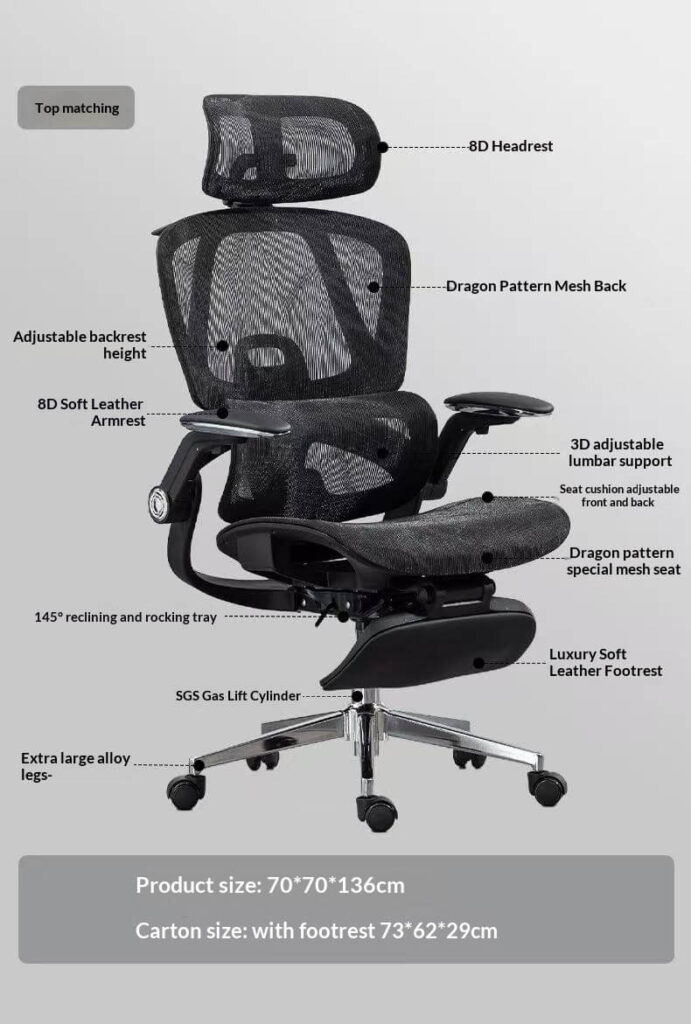
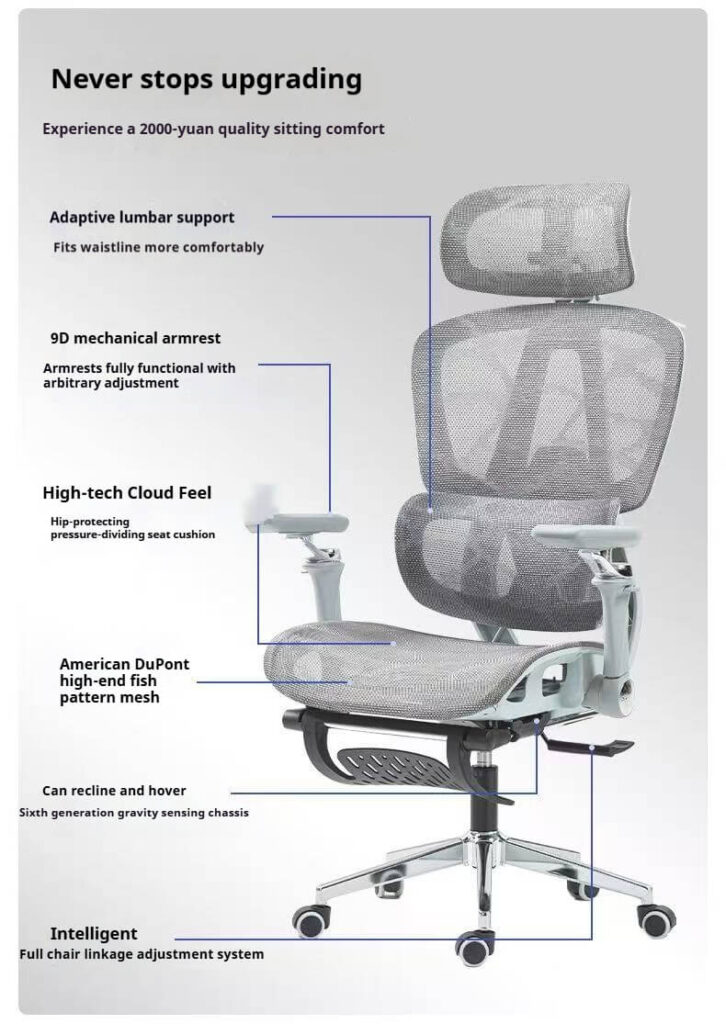
- Dynamic Lumbar Support: The chair must actively support the natural inward curve of the lower back. This support should be adjustable in height and depth to match the unique curvature of each user’s spine, maintaining proper alignment and reducing disc pressure.
- Head and Neck Alignment: An adjustable headrest is crucial for preventing forward head posture. It should allow for height and tilt adjustments to cradle the occipital bone, allowing the neck and shoulder muscles to relax, especially during moments of recline for thought or breaks.
- Pressure Distribution through Seat Design: The seat pan should have a contoured, waterfall front edge to reduce pressure behind the knees, promoting healthy blood circulation. The foam should be high-resilience to prevent bottoming out and ensure even weight distribution across the thighs and hips.
- Arm and Shoulder Relief: 4D armrests (adjustable in height, width, depth, and pivot) are non-negotiable. They should allow the shoulders to remain relaxed and the forearms to be supported parallel to the floor, eliminating strain on the neck and shoulders that can contribute to tension headaches.
- Promoting Movement with Synchronized Tilt: A high-quality mechanism allows the seat and backrest to recline in sync, keeping the hip-to-trunk angle optimal. This encourages subtle movement throughout the day, preventing the static muscle fatigue associated with rigid sitting.
The Data-Driven Advantage: How Ergonomic Design Reduces Pain Metrics
Studies have shown that ergonomic interventions lead to measurable improvements. For instance, research indicates that using ergonomic chairs can result in a reported 17.7% increase in productivity by reducing discomfort. Furthermore, the use of sit-stand desks has been linked to a significant reduction in musculoskeletal pain and increased energy levels. This data shifts the conversation from anecdotal comfort to demonstrable health and business outcomes.
A New Paradigm: From Passive Sitting to Active Health Management
The future of office furniture lies in moving beyond passive support to active health management, integrating technology and personalized data.
The Smart Chair as a Health Partner
Future ergonomic chairs will evolve into intelligent systems. Imagine a chair with embedded sensors that map sitting posture and pressure points in real-time. It could gently prompt micro-adjustments or suggest breaks through a connected app, transforming the chair from a piece of furniture into a proactive partner in preventing pain before it starts.
Hyper-Personalization through Biomechanical Data
With advancements in scanning technology, chairs could be custom-configured at the point of sale based on an individual’s height, weight, and specific postural needs. This level of personalization, moving beyond basic adjustments, would ensure that the chair acts as a true extension of the user’s body, providing optimized support for their unique biomechanics.
Conclusion: Investing in Your Anatomical Integrity
Choosing an office chair is not a mere furnishing decision; it is a direct investment in your long-term physical health. By understanding the anatomical sources of pain, critically evaluating the limitations of conventional solutions, and embracing the principles of scientific ergonomic design, you can make an informed choice that pays dividends in comfort, health, and productivity. The right chair doesn’t just change how you sit—it changes how you feel, work, and live.
Ready to solve your specific pain points? Download our detailed “Ergonomic Assessment Checklist” to diagnose your current setup, or contact our ergonomics specialists for a personalized recommendation based on your body profile and pain challenges.