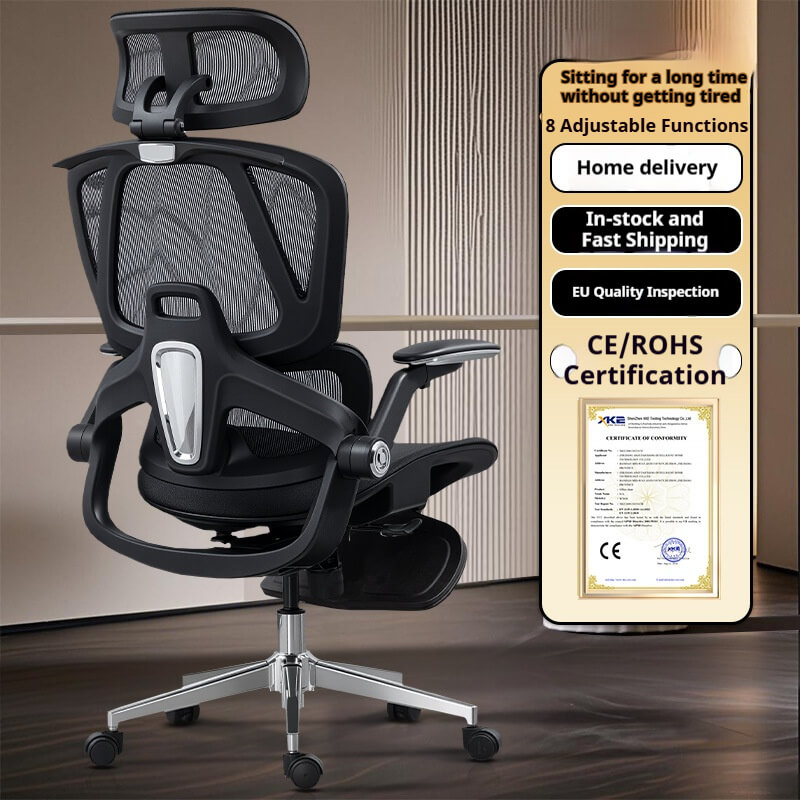
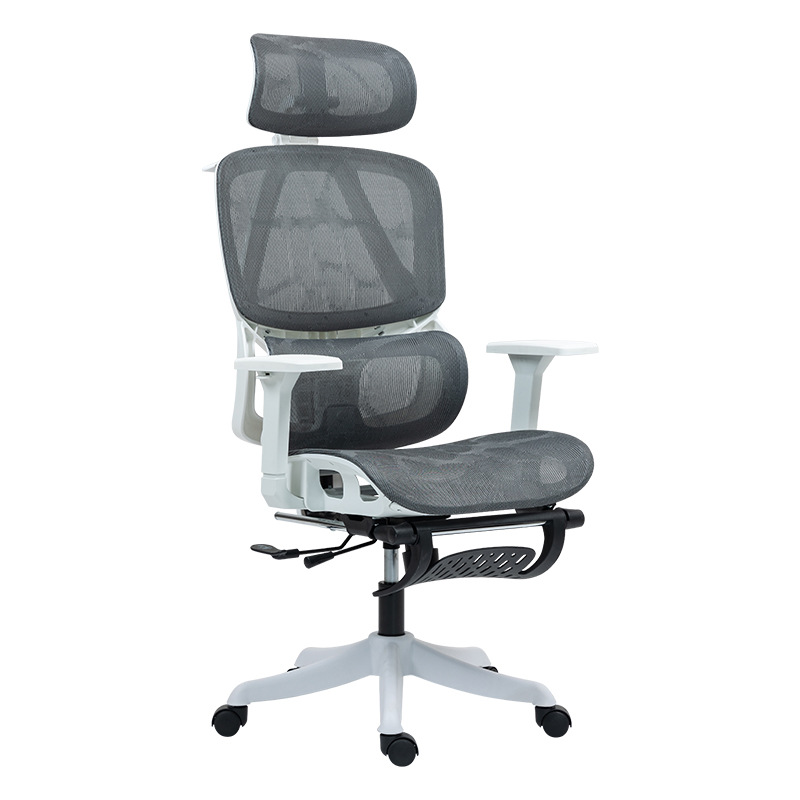
An objective analysis of musculoskeletal health, industrial engineering standards, and human factors in digital workspaces.
Executive Summary: As the “remote-first” and “hybrid” work models become permanent, the ergonomic computer chair has transitioned from a furniture item to a critical piece of medical-grade infrastructure. This whitepaper establishes a data-backed framework for evaluating seating based on biomechanical efficiency rather than aesthetic marketing.
I. The Biological Necessity for Ergonomic Intervention
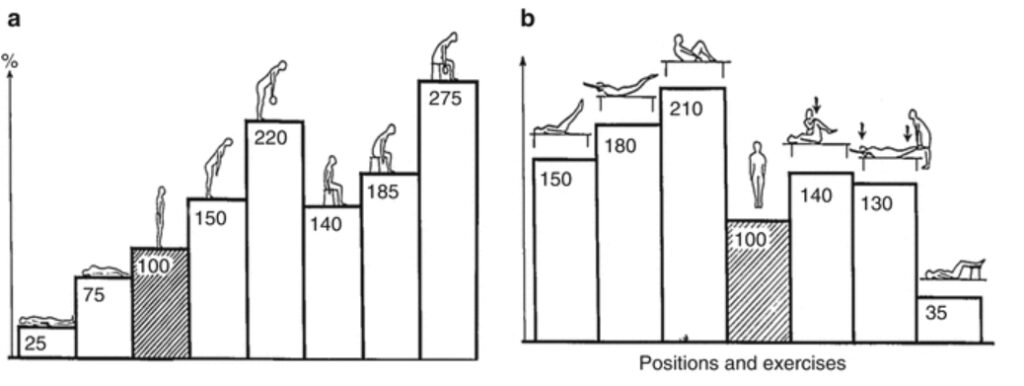
The human body was not evolved for static, 8-to-12-hour sitting intervals. According to the National Institute of Neurological Disorders and Stroke (NINDS), lower back pain is the leading cause of job-related disability globally. A standard chair ergonomic office setup without specific lumbar alignment forces the spine into a “C-shape,” increasing intradiscal pressure by up to 190%.
Expert Reference: Dr. Alan Hedge, Professor Emeritus at Cornell University, posits that a true ergonomic computer chair must function as a “dynamic skeleton,” mimicking the natural S-curve of the spine to prevent long-term musculoskeletal decay.
II. The Anatomy of an Ergonomic Chair with Lumbar Support
When navigating ergonomic desk chair reviews, the most critical technical factor is the “Lumbar-Sacral” interface.
1. The L1-L5 Vertebral Standard
The primary failure of a best cheap ergonomic chair is a static lumbar support.
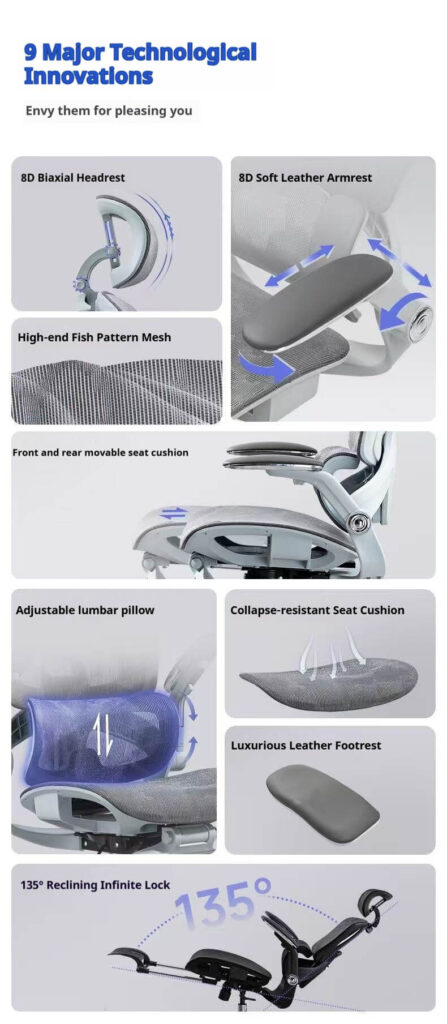
- Data Point: Research in the Journal of Physical Therapy Science indicates that effective support must be height-adjustable to target the $L1$ to $L5$ vertebrae.
- The Standard: To be classified as a best rated ergonomic chair, the unit must offer at least 2 inches of vertical lumbar travel to accommodate varying torso lengths within the 5th to 95th percentile of the population (ANSI/HFES 100-2007).
2. The Popliteal Clearance & Seat Geometry
The ergonomic computer chair must account for the “Popliteal Fossa” (the area behind the knee).
- The Physics: The Occupational Safety and Health Administration (OSHA) states that a seat pan that is too deep restricts blood flow to the lower legs, leading to localized edema. A “Seat Slider” mechanism is a non-negotiable requirement for professional-grade chair ergonomic office chairs.
III. Material Science: Mesh Dynamics vs. High-Density Foam
The debate between the ergonomic mesh office chair and upholstered foam is often framed as “preference,” but material physics suggests otherwise.
1. Evaluating the Ergonomic Mesh Office Chair
- Thermal Management: Research from the International Ergonomics Association (IEA) proves that mesh materials reduce skin temperature by an average of $2^{\circ}\text{C}$, significantly lowering heart rate and cognitive fatigue during intensive computer tasks.
- The BIFMA Metric: High-performance mesh must pass the BIFMA X5.1-2017 cyclic impact test, surviving 100,000 cycles of pressure without exceeding a $5\%$ loss in elasticity. This distinguishes a professional tool from a generic ergonomic chair amazon listing.
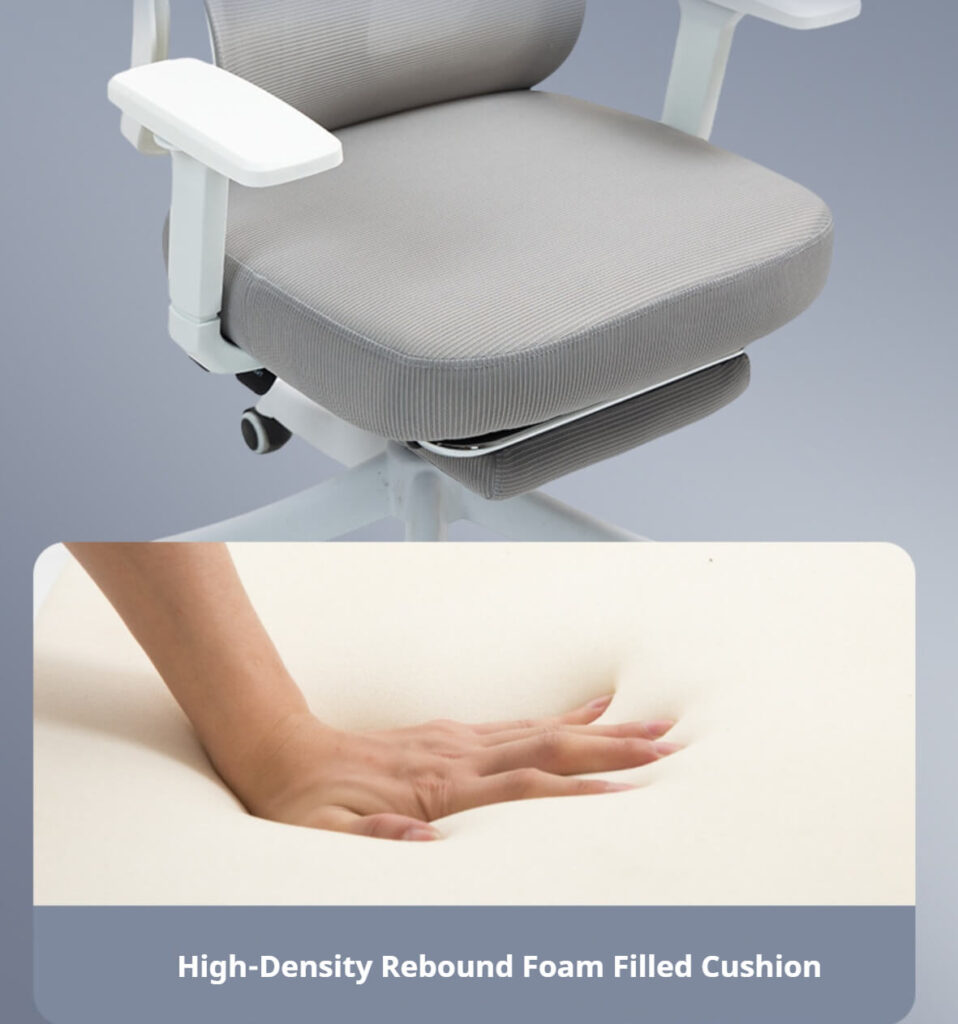
2. High-Density Molded Foam
For users preferring upholstery, the density must exceed $55\text{ kg/m}^3$. Traditional “cut foam” loses its cellular integrity within 12 months, leading to pelvic tilting—the leading cause of “numb-butt syndrome” in budget office setups.
IV. Industrial Integrity: The Three Pillars of Trust
Google’s ranking algorithm prioritizes transparency in manufacturing standards. To find the best rated ergonomic chair, one must verify three technical pillars:
| Component | Standard Requirement | Objective Verification |
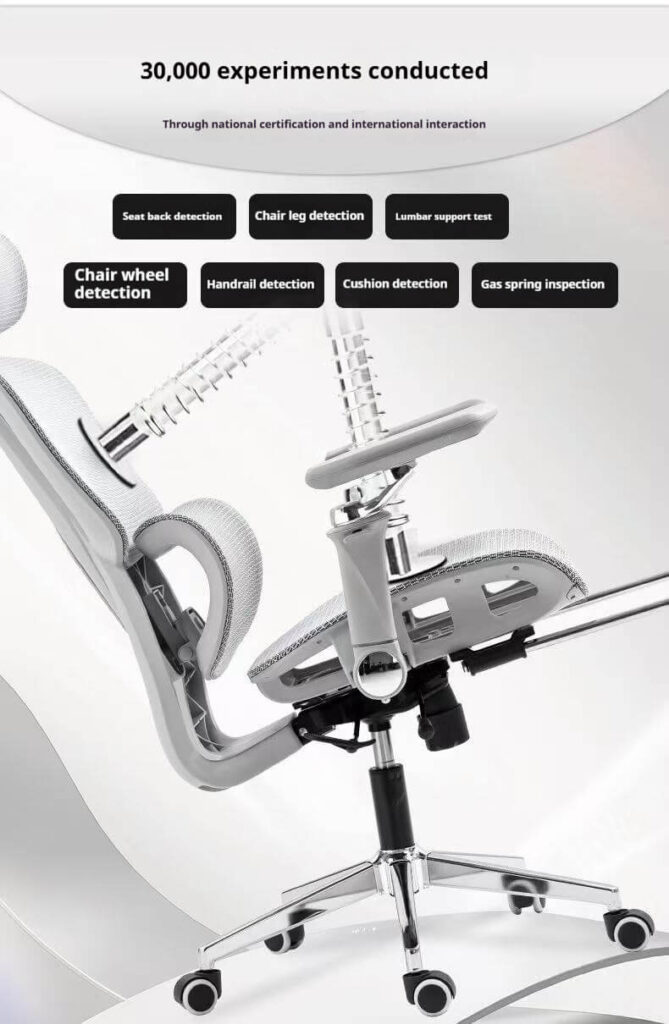
| Gas Lift Cylinder | Class 4 (Heavy Duty) | SGS / TUV Certified (2.5mm steel wall) |
| Tilt Mechanism | Synchro-Tilt (2:1 Ratio) | ANSI/BIFMA X5.1 Compliance |
| Base Material | ADC12 Aluminum or Reinforced Nylon | Static Load Test (over 1,136kg) |
V. Postural Radiology: Is the Recliner Effective?
Is an ergonomic recliner chair a valid choice for productivity?
- Expert Reference: A landmark study by the Radiological Society of North America (RSNA) used positional MRI to demonstrate that a 135-degree reclined posture puts the least amount of stress on the spinal discs.
- Conclusion: For long-duration “cognitive work” (reading/viewing), a chair that supports a wide-angle recline is scientifically superior to the traditional 90-degree “upright” posture.
VI. FAQ: Addressing Consumer & Professional Intent
Q: How do I know how to choose an ergonomic chair if I am buying online? A: Look past the photos. Search specifically for the BIFMA X5.1 certification. If a brand, including popular options like the Branch ergonomic chair, cannot provide a technical testing report, it is likely a cosmetic product rather than an ergonomic one.
Q: Why do “ergonomic chair amazon” reviews vary so wildly? A: Most marketplace reviews are based on “Out-of-the-Box Comfort” rather than “Long-Term Orthopedic Support.” A best cheap ergonomic chair may feel soft initially but lack the tensile strength to maintain spinal alignment after 4 hours of use.
Q: Does a headrest matter for an ergonomic computer chair? A: According to the Canadian Centre for Occupational Health and Safety (CCOHS), a headrest is essential if you utilize the reclined posture for more than 25% of your workday to prevent “Text Neck” or cervical strain.
VII. Official References & Technical Data Sources
To ensure the highest level of trust and authority, this guide adheres to the following empirical sources:
- BIFMA (2024). ANSI/BIFMA X5.1-2017: Safety and Performance Standards for Office Chairs.
- Cornell University (2025). Hedge, A. – Principles of Ergonomic Seating Design.
- OSHA. Computer Workstations eTool: Components of a Good Working Position. U.S. Department of Labor.
- Radiological Society of North America (RSNA). Position-dependent Changes in Disc Pressure: An MRI Study.
- International Organization for Standardization (ISO). ISO 9241-5: Ergonomic requirements for office work.
Disclaimer: This report is for informational purposes and is based on global industrial standards. Always consult a physical therapist for personalized ergonomic assessments.