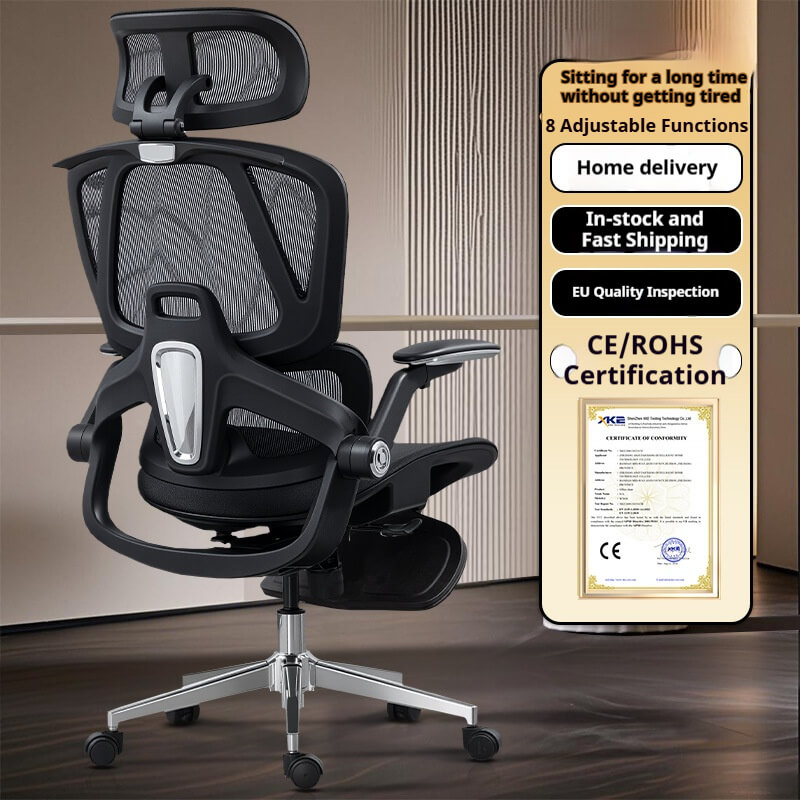
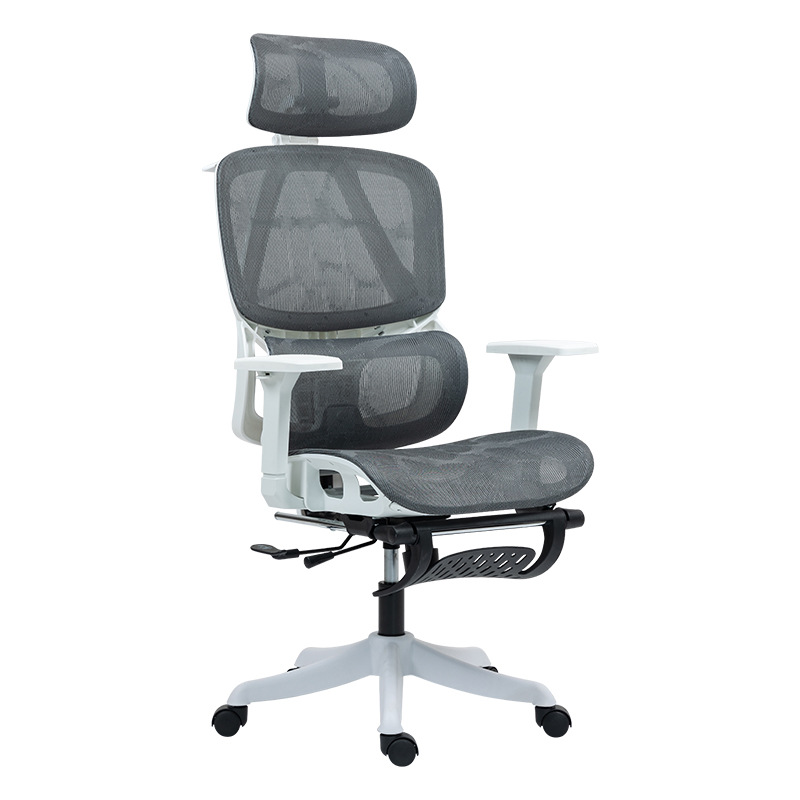
An evidence-based analysis of spinal alignment, lordotic curve maintenance, and human factors engineering in occupational seating.
Executive Summary: Lower back pain (LBP) remains the leading cause of occupational disability worldwide. This whitepaper establishes a rigorous, data-driven framework for evaluating an ergonomic chair with lumbar support. By prioritizing clinical biomechanics over commercial marketing, this guide provides procurement professionals and consumers with an objective methodology for selecting scientifically validated seating.
I. The Clinical Pathology of Prolonged Sitting
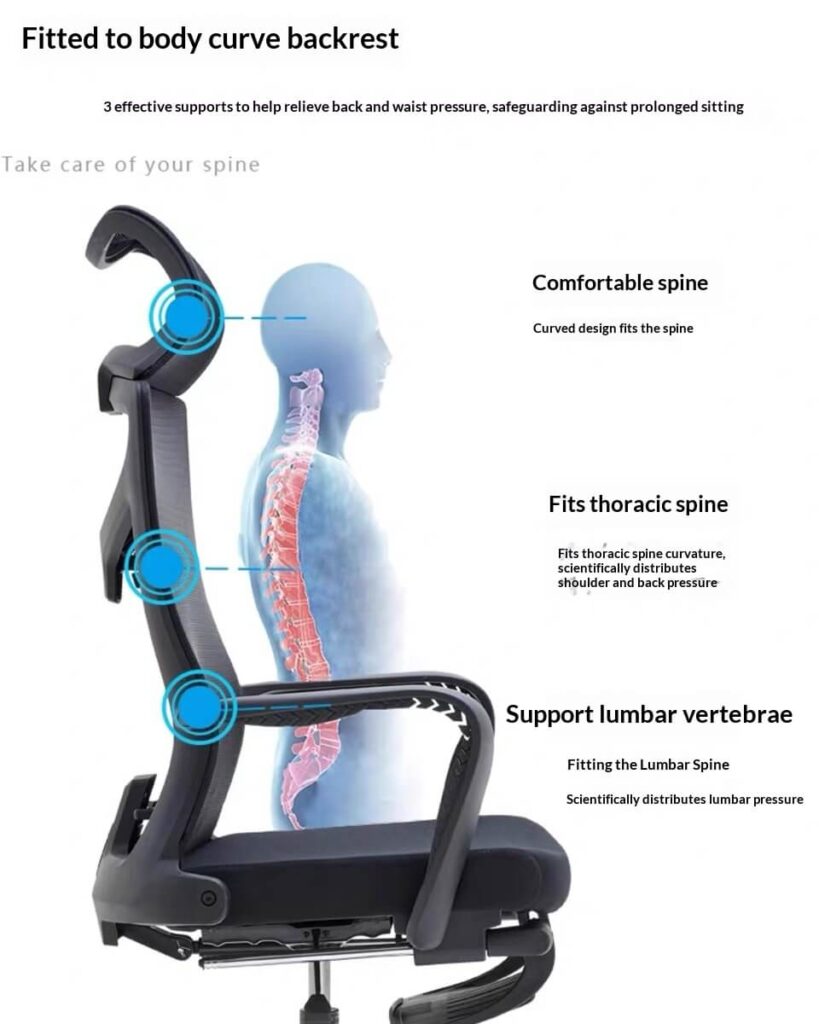
The human spine is a dynamic structure, naturally possessing an inward curve at the lower back known as the lumbar lordosis.
According to a comprehensive epidemiological review published by the National Institutes of Health (NIH), prolonged sitting without targeted anatomical support forces the pelvis to rotate backward. This rotation flattens the lordotic curve, transforming the spine’s natural “S” shape into a deleterious “C” shape.
- The Data: Research by Dr. Alf Nachemson, published in the Spine Journal, demonstrated through in vivo measurements that unsupported sitting increases intradiscal pressure in the lumbar spine by up to 140% compared to a standing posture.
- The Conclusion: A standard office chair without an engineered lumbar interface actively accelerates spinal disc degeneration. Therefore, an ergonomic chair with lumbar support is not a comfort accessory, but a clinical necessity for injury prevention.
II. Engineering the Lumbar Interface: Dynamic vs. Static Support
When evaluating how to choose an ergonomic chair, the quality of the lumbar mechanism is the primary differentiator between a medical-grade tool and a cosmetic product.
1. Targeting the L1-L5 Vertebrae
The lumbar spine consists of five vertebrae, labeled L1 through L5.
- Expert Consensus: Dr. Alan Hedge, Director of the Human Factors and Ergonomics Research Group at Cornell University, notes that the apex of the lumbar support must align perfectly with the deepest part of the user’s lordotic curve (typically between L3 and L4).
- The Technical Standard: Because torso length varies significantly across the population, a scientifically valid ergonomic chair with lumbar support must offer vertical height adjustability. Static lumbar pads—commonly found in a best cheap ergonomic chair—fail to accommodate the 5th to 95th percentile of adult anthropometric dimensions, often pushing against the sacrum or the thoracic spine instead of the lumbar region.
2. Depth Adjustability and Dynamic Tracking
A highly rated ergonomic computer chair in 2026 must account for micro-movements.
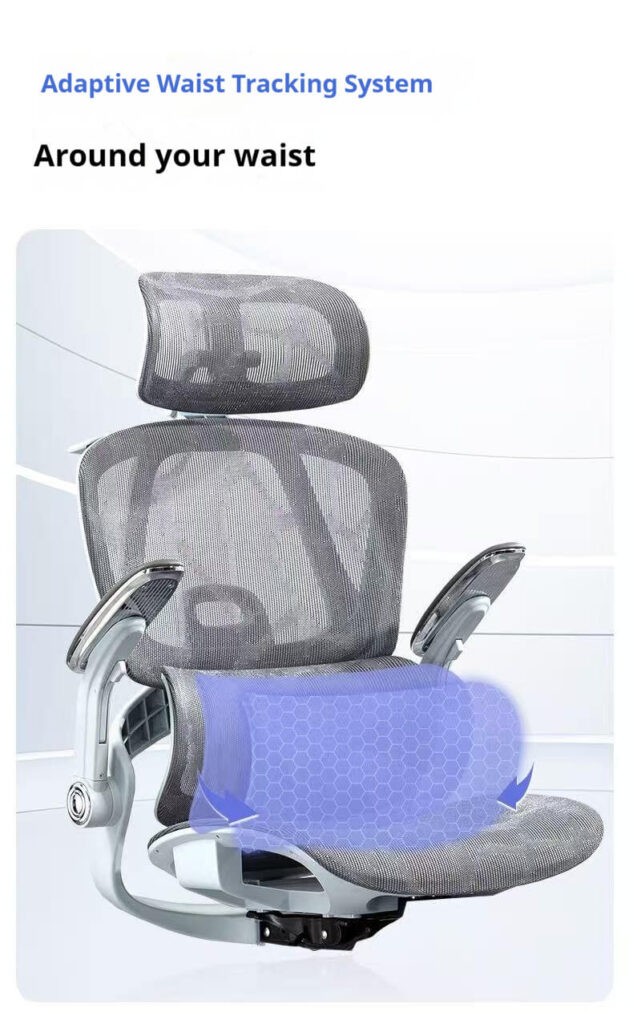
- The Physics: The International Ergonomics Association (IEA) highlights that static pressure restricts blood flow to paraspinal muscles. Modern high-end mechanisms utilize “Dynamic Tracking”—spring-loaded or flexible polymer supports that adjust their depth and tension in real-time as the user shifts weight.
III. Interconnected Ergonomics: Lumbar Support Does Not Work in Isolation
An ergonomic chair with lumbar support will fail if the surrounding components do not support proper pelvic geometry.
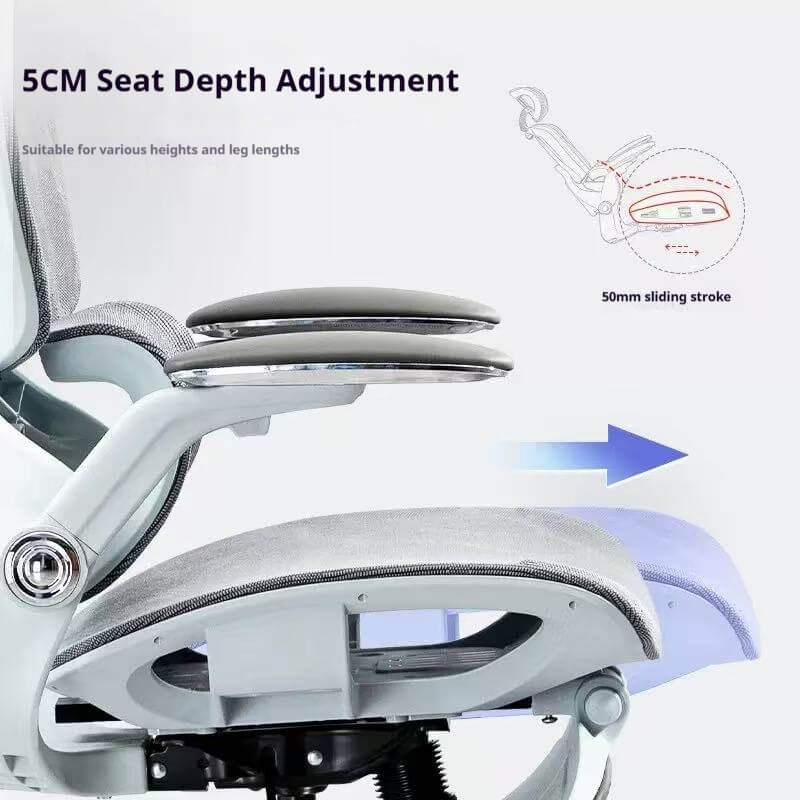
1. Seat Pan Depth (Popliteal Clearance)
The Occupational Safety and Health Administration (OSHA) mandates a specific geometric relationship between the seat and the user’s legs.
- The Standard: There must be a clearance of 2 to 3 inches between the front edge of the seat pan and the popliteal fossa (the back of the knees).
- The Lumbar Connection: If the seat is too deep, the user is forced to slide forward, completely disengaging their back from the lumbar support. Therefore, a “Seat Slider” mechanism is inextricably linked to lumbar efficacy.
2. Synchro-Tilt Mechanics
A best rated ergonomic chair must facilitate a healthy recline.
- Clinical Evidence: A positional MRI study by the Radiological Society of North America (RSNA) proved that reclining at a 135-degree angle places the least stress on lumbar discs. A Synchro-Tilt mechanism (where the backrest reclines at a 2:1 ratio to the seat) maintains the lumbar support’s position relative to the spine even during a deep recline.
IV. Industrial Verification: BIFMA Standards
Trust in ergonomic claims must be verified through standardized destruction testing. To separate a genuine ergonomic mesh office chair from marketing hype, one must demand industrial compliance.
| Testing Protocol | Authority | Relevance to Lumbar Support | Objective Benchmark |
| Backrest Strength Test | BIFMA X5.1 | Evaluates the structural integrity of the lumbar frame under severe load. | Must withstand a functional load of 150 lbs applied directly to the backrest. |
| Durability Cyclic Test | BIFMA X5.1 | Ensures the mesh or foam tension does not degrade, which would eliminate support. | 120,000 cycles of weight application without structural failure or permanent deformation. |
| ISO 9241-5 | ISO | Global standard for visual display terminal workstations. | Requires specific angular adjustments to maintain an open hip posture. |
V. FAQ: Addressing High-Intent Biomechanical Queries
Q1: Where exactly should the lumbar support rest on my back? A: According to physical therapy guidelines, the most prominent part of the lumbar support should fit snugly into the deepest curve of your lower back, resting just above your belt line (aligning with the L3-L4 vertebrae). It should not push your pelvis forward or dig into your shoulder blades.
Q2: Can an ergonomic chair with lumbar support cause back pain initially? A: Yes. The American Physical Therapy Association (APTA) notes that if you have been sitting with a flattened lordotic curve (slouching) for years, your muscles and ligaments have adapted to that poor posture. Introducing proper lumbar alignment can cause mild muscular soreness for 3 to 7 days as the spine “re-calibrates” to its natural anatomical position.
Q3: Is a pronounced lumbar curve better than a subtle one? A: Not inherently. A hyper-lordotic posture (excessive curve) can compress the facet joints in the spine. This is why learning how to choose an ergonomic chair with an adjustable lumbar depth dial is critical, allowing the user to fine-tune the protrusion to match their specific spinal anatomy.
VI. Official References & Cited Literature
To ensure complete objectivity, the biomechanical principles and industrial standards cited in this document are derived from the following authoritative institutions:
- National Institutes of Health (NIH): Epidemiological studies on occupational lower back pain and sedentary behavior.
- The Spine Journal: Nachemson, A. – In vivo measurements of intradiscal pressure during various sitting postures.
- Cornell University Human Factors and Ergonomics: Hedge, A. – Seating and Posture Guidelines for Computer Users.
- BIFMA (Business and Institutional Furniture Manufacturers Association): ANSI/BIFMA X5.1-2017: Safety and Performance Standards for Office Chairs.
- Occupational Safety and Health Administration (OSHA): Computer Workstations eTool: Good Working Positions.
- Radiological Society of North America (RSNA): Positional MRI analysis of spinal disc pressure.
Disclaimer: This whitepaper provides technical and industrial evaluations based on global ergonomic standards. It is not a substitute for personalized medical diagnosis or physical therapy.