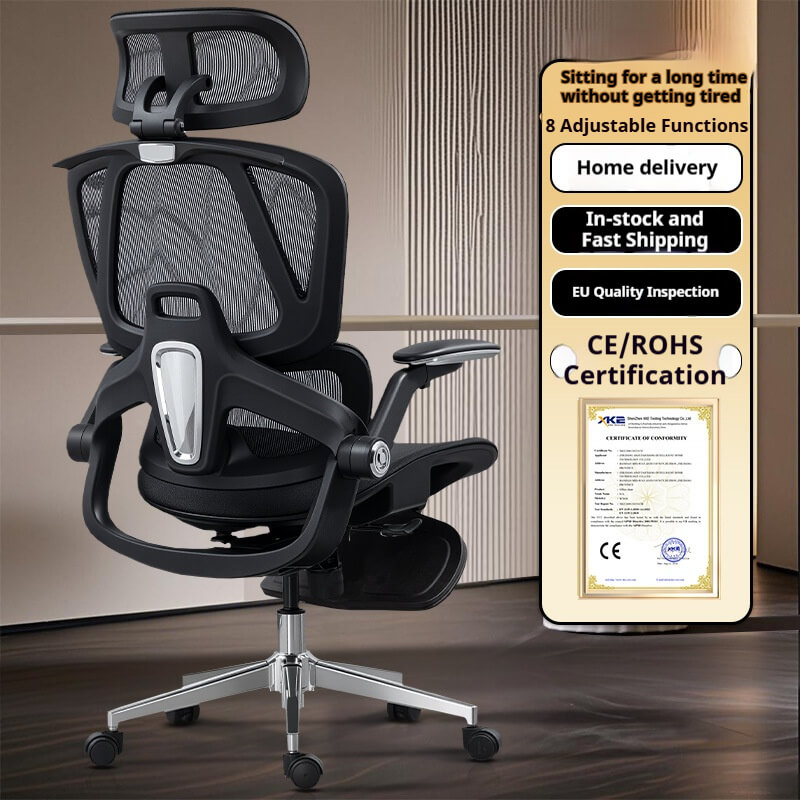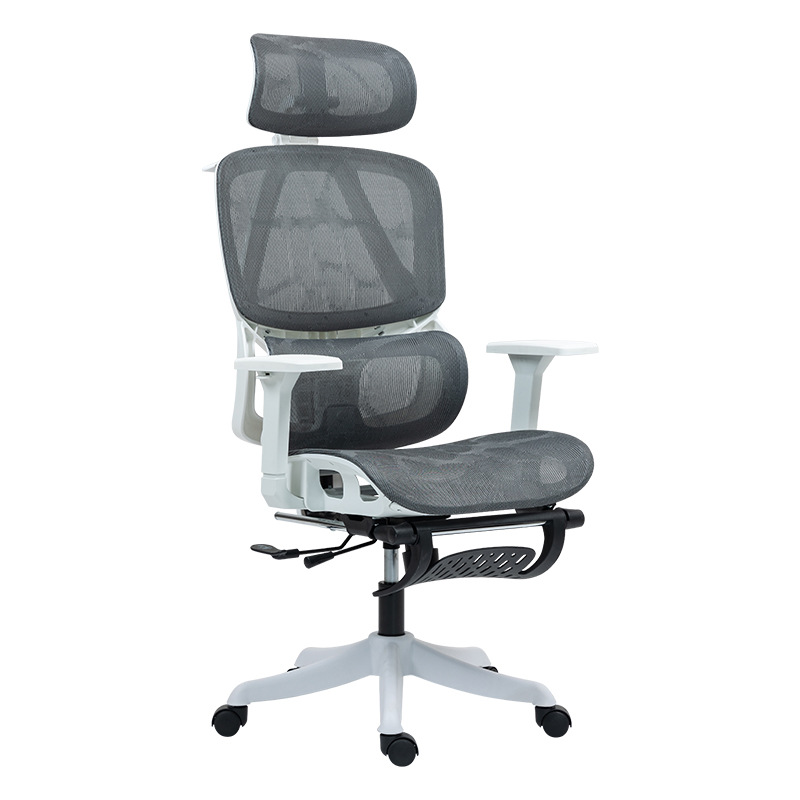
Sitting is often called the “silent killer” of modern productivity. When you slump at your desk, the pressure on your spinal discs increases by up to 140% compared to standing. After 15 years on the factory floor designing seating solutions, I’ve learned that pain isn’t just a physical nuisance—it’s a signal that your workspace is failing you.
If you are tired of the “3 PM ache,” here are five actionable hacks to reset your body and reclaim your focus.
1. Master the “90-90-90” Rule
The foundation of pain-free sitting isn’t just a “straight back”; it’s about proper joint alignment.
- Elbows at 90°: Your desk height should allow your forearms to rest parallel to the floor to prevent shoulder shrugging.
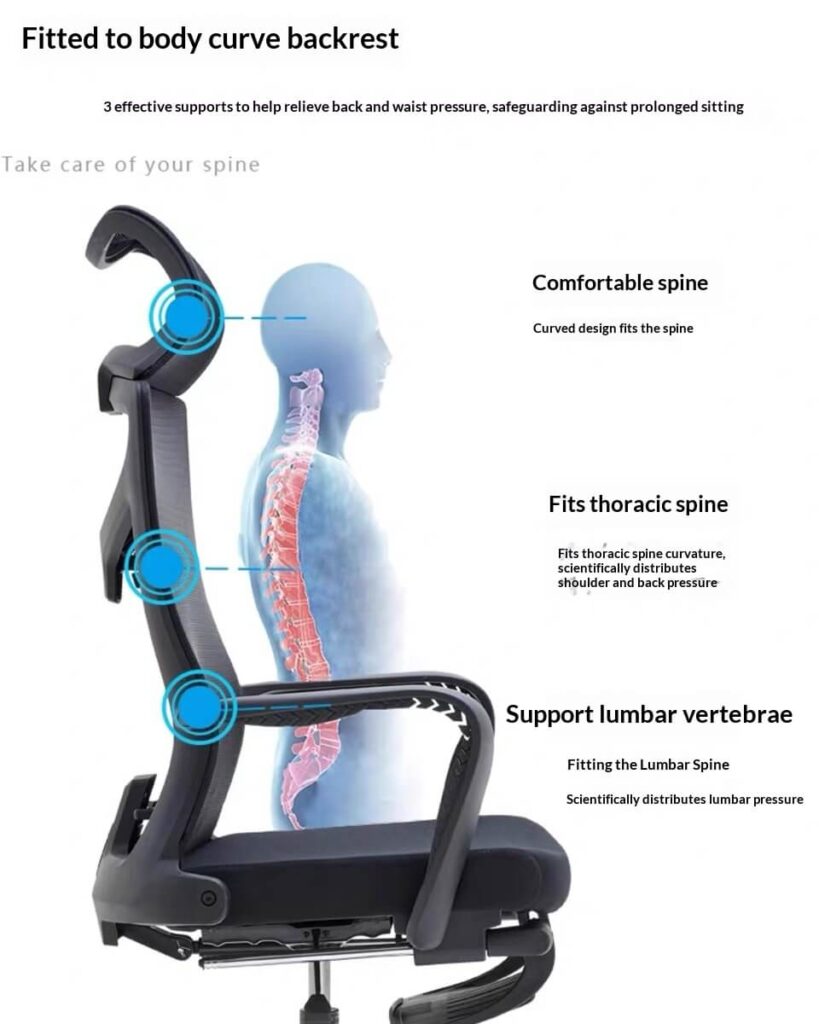
- Hips at 90°: Sit deep into your chair so the lumbar support can engage with your lower spine’s natural curve.
- Knees at 90°: Your feet must be flat on the floor; dangling feet pull your pelvis forward, flattening your lumbar curve.

2. The 30-Second “Doorway Reset”
Static posture is the enemy. Even the best chair cannot replace movement.
- The Hack: Every 60 minutes, find a doorway, place your forearms on the frame, and lean forward gently.
- The Benefit: This opens up your chest muscles that tighten during typing and resets your shoulder alignment instantly.

3. The “Eye-Level” Monitor Hack
Neck pain usually starts at your eyes. If your monitor is too low, you will unconsciously lean forward, leading to “text neck.”
- The Adjustment: Ensure the top third of your screen is at eye level. This simple change can reduce neck strain by allowing your cervical spine to remain in a neutral position.
4. Choose Hardware with “Adaptive” Support
As a manufacturer, I’ve seen many “ergonomic” chairs that are actually rigid and uncomfortable.
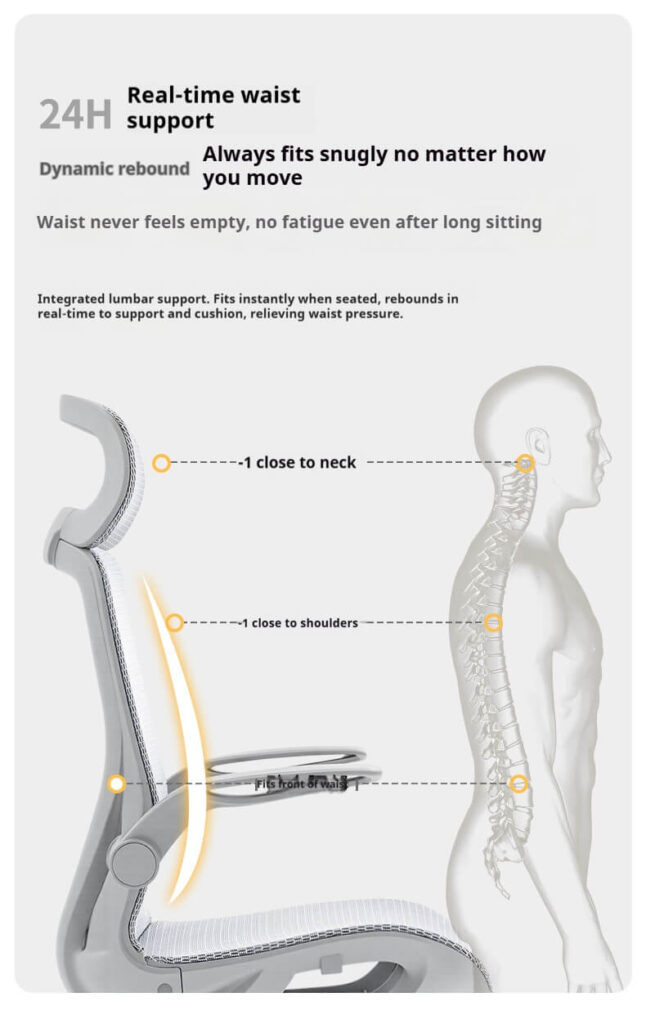
- Look for Self-Adaptivity: A truly effective chair, like our T70 series, features a self-adaptive lumbar support that moves with you.
- Dynamic Recline: Ensure your chair has a smooth recline mechanism to allow for “micro-breaks” while you take calls or think.
5. Measure the ROI of Your Health
Health equals business success. Research shows that employees supported by proper ergonomics are 18% more focused and productive.
- For Employers: Investing in BIFMA-certified seating isn’t an expense; it’s a strategy to reduce sick leave and retain top talent.
- For Employees: 34% of people would pay for their own office chair to avoid discomfort—don’t wait for your company to act。
Conclusion: Beyond the Chair
Relieving pain from sitting requires a combination of smart habits and high-quality tools. By implementing these “hacks,” you aren’t just fixing your back; you are optimizing your career longevity.
At Yulansen, we specialize in factory-direct, high-performance seating that balances 10-year durability with the latest ergonomic science.